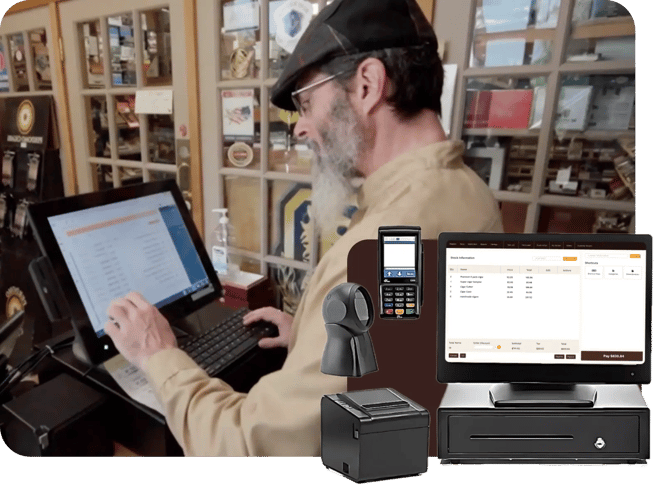
Easily update prices in bulk and print labels all at once, including half-inch cigar barcodes.

Generate labels from the back office or directly from the POS system, setup custom barcodes, and update items in batches.

Create a barcode and UPC for unlabeled items (e.g., imported cigars), including multiple barcodes for variants.
Make updates to multiple products and print labels at the same time.
Scan barcodes to look up products on your inventory management system and make updates.
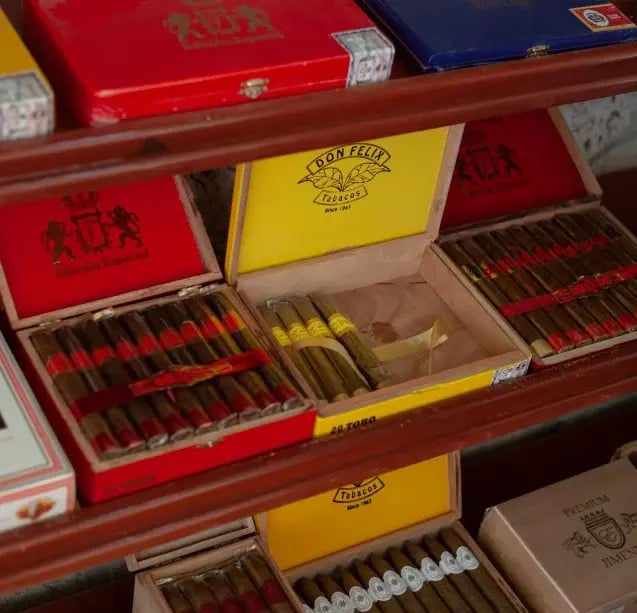
Use your existing label printers, or take advantage of steep discounts on a new one.
Print half-inch labels for individual cigars and small products.
Use the label printers you already own. Cigars POS works with a wide range of label printer brands.
Get support for your software and hardware in the same place. We sell our own hardware, so you won’t have to go to a third-party provider if something goes wrong.
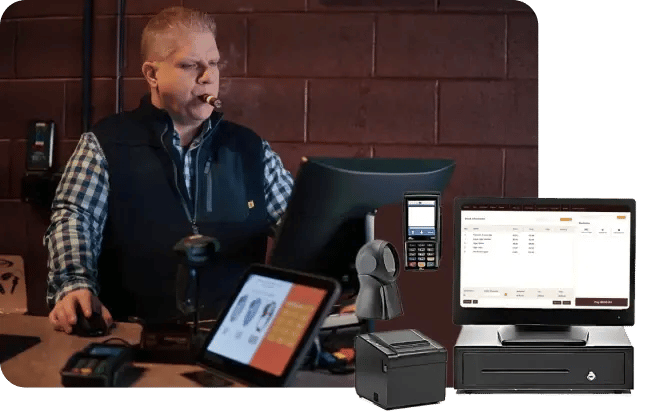
Most store owners want better tobacco inventory control but dread moving their stock to a new system. Cigars POS assigns every new customer a dedicated onboarding professional to make the transition painless. We’ll even clean up your records so you can hit the ground running.
Have questions or need to make tweaks after you’re set up? No problem. Our support team is ready to help you troubleshoot issues and set up your system any time.