Get an accurate and comprehensive view of every item you sell without the stress of manual data entry, spreadsheets, and software that isn’t built for selling tobacco.

Get a clearer picture of stock levels and store performance by tracking every item — from individual cigars to vape liquid refills — in a single system.
Use prebuilt reports and our unique auto ranking feature to track store performance, understand customer preferences, and make confident purchasing decisions.
Take the guesswork out of managing tobacco inventory with tools designed to handle state-specific tax rates, record keeping, minimum pricing, and more.
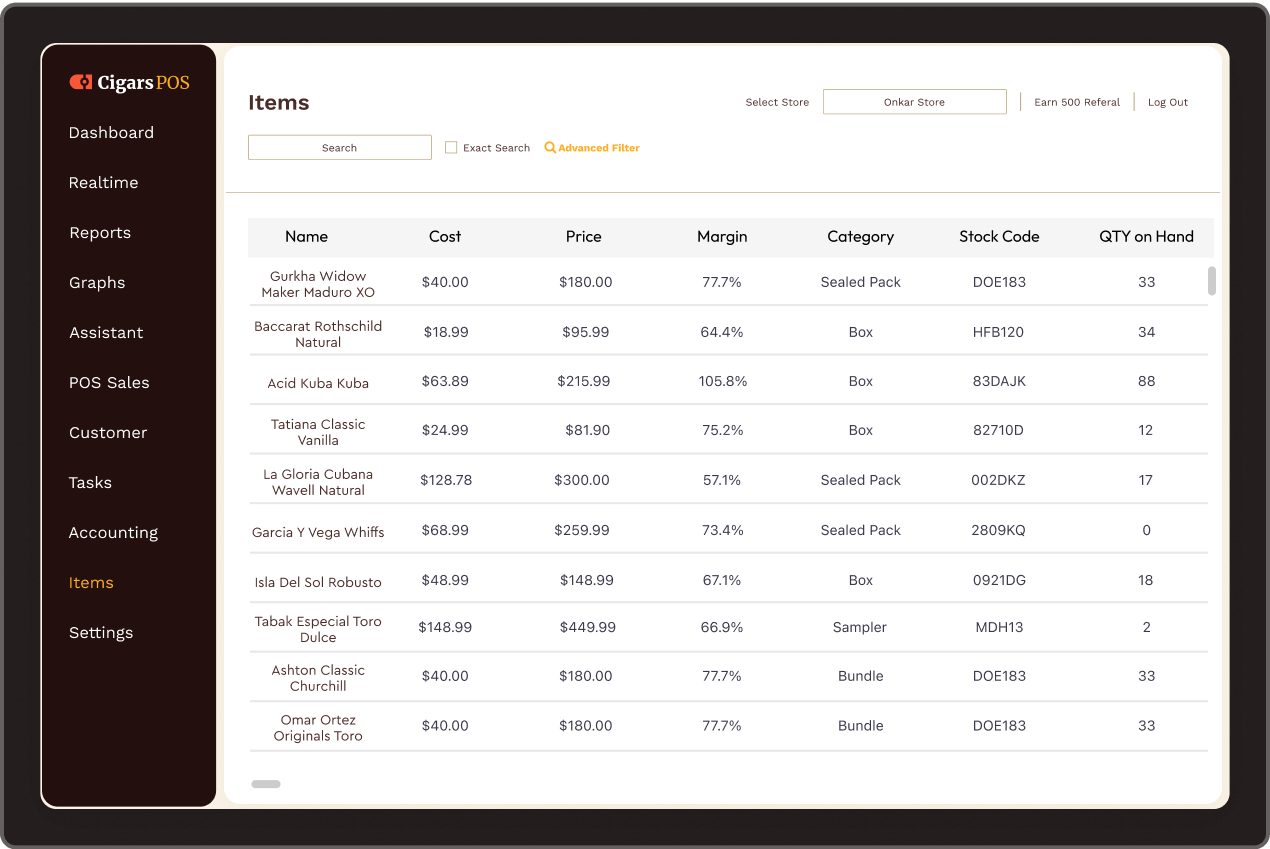
We love being able to streamline the inventory. Because we had a lot of extra SKUs before, we’d have to split up individual items and boxes. Now, we can have them all combined into one.
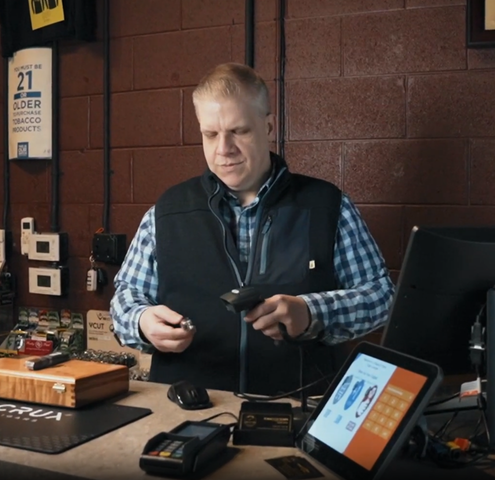
Avoid endless inventory headaches with a tobacco POS solution built for tobacco shops, cigar lounges, vape shops, tobacconists, and other specialty tobacco retailers.

Update your inventory in seconds by scanning paper or PDF invoices, saving you dozens of hours on manual data entry.

Create single inventory entries for any type of product variant, whether it’s single cigars and cases, cartons and packs, or multiple manufacturer UPCs.

See a list of every low-stock item and generate purchase orders directly from the system.

Use AI to assign every item in your inventory a rank from A to D, so you know which specific products drive sales and which ones you should discount or phase out.

Add tasting notes, country of origin, wrapper type, or any other notes for better recommendations and more in-depth reports.

Create different product pricing for wholesalers, loyalty tiers, or any other specific customer group you define.

Take advantage of manufacturer scan data programs by generating scan data reports directly from the back office.

Set minimum pricing and tax rates based on product categories, location, or other requirements.

Adjust pricing, assign a UPC, and print labels for individual cigars and other items for better stock tracking and faster checkout.

Manage employee access and identify potential shoplifting and breakage issues before they become a problem.

Track wholesale costs, inventory turns, profit margins by category, and other key metrics.

Update inventory from any internet-connected device while also keeping a local backup, so you have added flexibility without the stress.
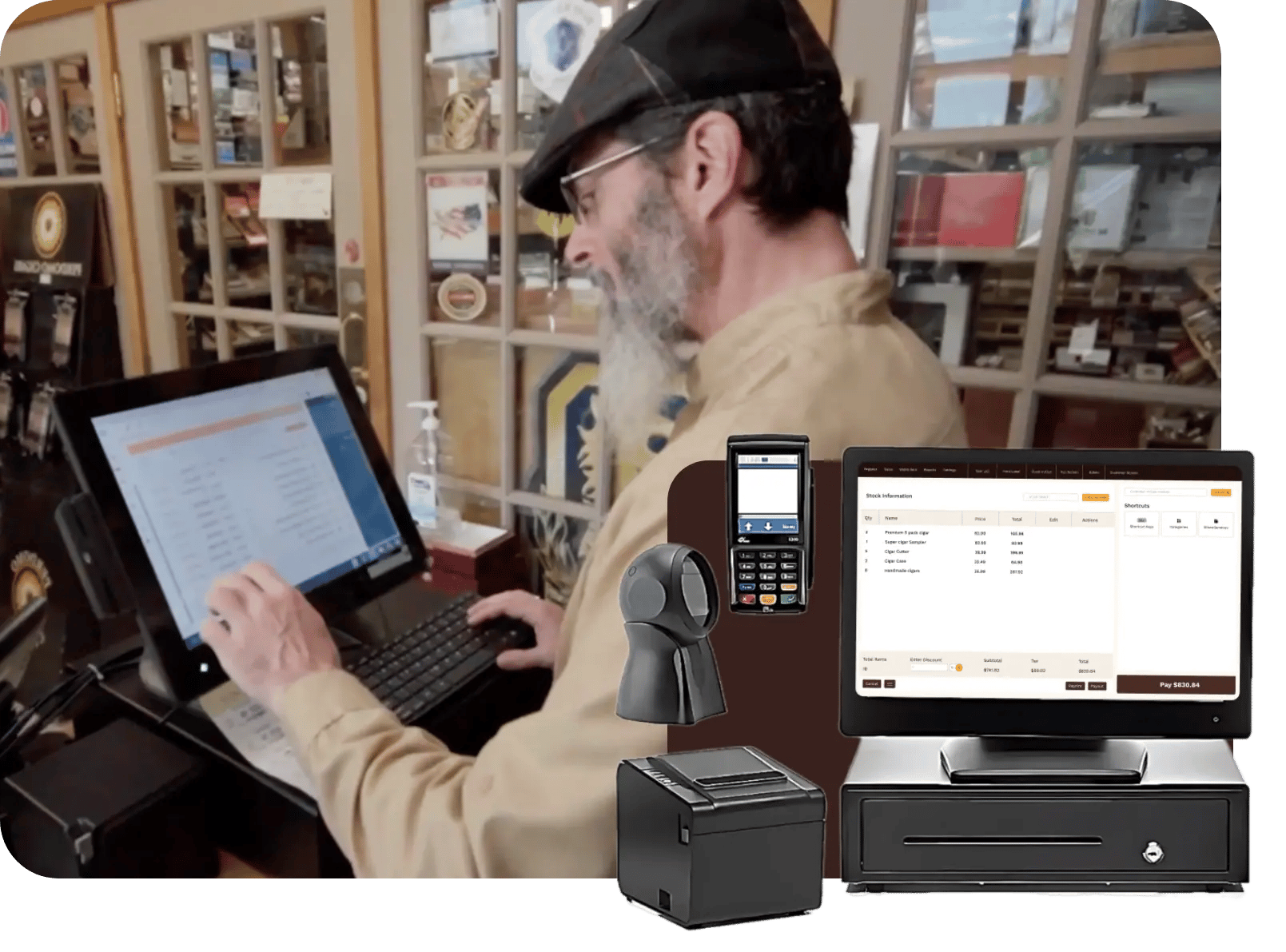
Most store owners want better tobacco inventory control but dread moving their stock to a new system. Cigars POS assigns every new customer a dedicated onboarding professional to make the transition painless. We’ll even clean up your records so you can hit the ground running.
Have questions or need to make tweaks after you’re set up? No problem. Our support team is ready to help you troubleshoot issues and set up your system any time.