


(877) 312-4984
Pricing
Get a Demo
Build and Price

The Complete Guide to Cigar Lounge POS Systems:12 Must-Have Features

CGR Lounge POS Guide - Hero

Running a successful cigar lounge isn’t just about having cigars and a space to enjoy them; it’s about creating a welcoming atmosphere that elevates your space to a community hub.

While employing friendly staff and picking the right decor will go a long way, you might be surprised just how much the right (or wrong) technology can affect the vibes of your space. Picking the right cigar lounge point of sale (POS) system can unlock smoother customer experiences, relevant insights, and organizational features you need to smoke the competition. 

Not sure where to start? Don’t worry — this guide will give you a comprehensive overview of cigar lounge POS systems, essential features, evaluation tactics, and real-world tips for getting the most out of your system.

Welcoming Cigar
Chapter 1

Understanding Your Cigar Lounge POS Needs

There are many POS systems on the market, most of which are built for general retail and not for cigar lounges. Before evaluating technology providers, understand what makes a POS system a good (or bad) fit for your cigar lounge.

CGR Guide - Chapter

Generic vs. Tobacco-Specific POS: What’s the Difference?

Generic vs Tobacco-Specific POS

Generic retail POS

Pros

Cons

Tobacco-specific POS

Pros

Cons

Chapter 2

A Deep Dive Into Must-Have Cigar Lounge POS Features

While it probably comes as no surprise that not every POS system is equipped to run a cigar lounge, that leaves the more important question: “What features should a cigar lounge POS system have?” 

If you plan to run a top-tier cigar lounge, not just any old system will do. Here are the essential features you need to get the most out of your cigar lounge management system.

Cigar Lounge Cover

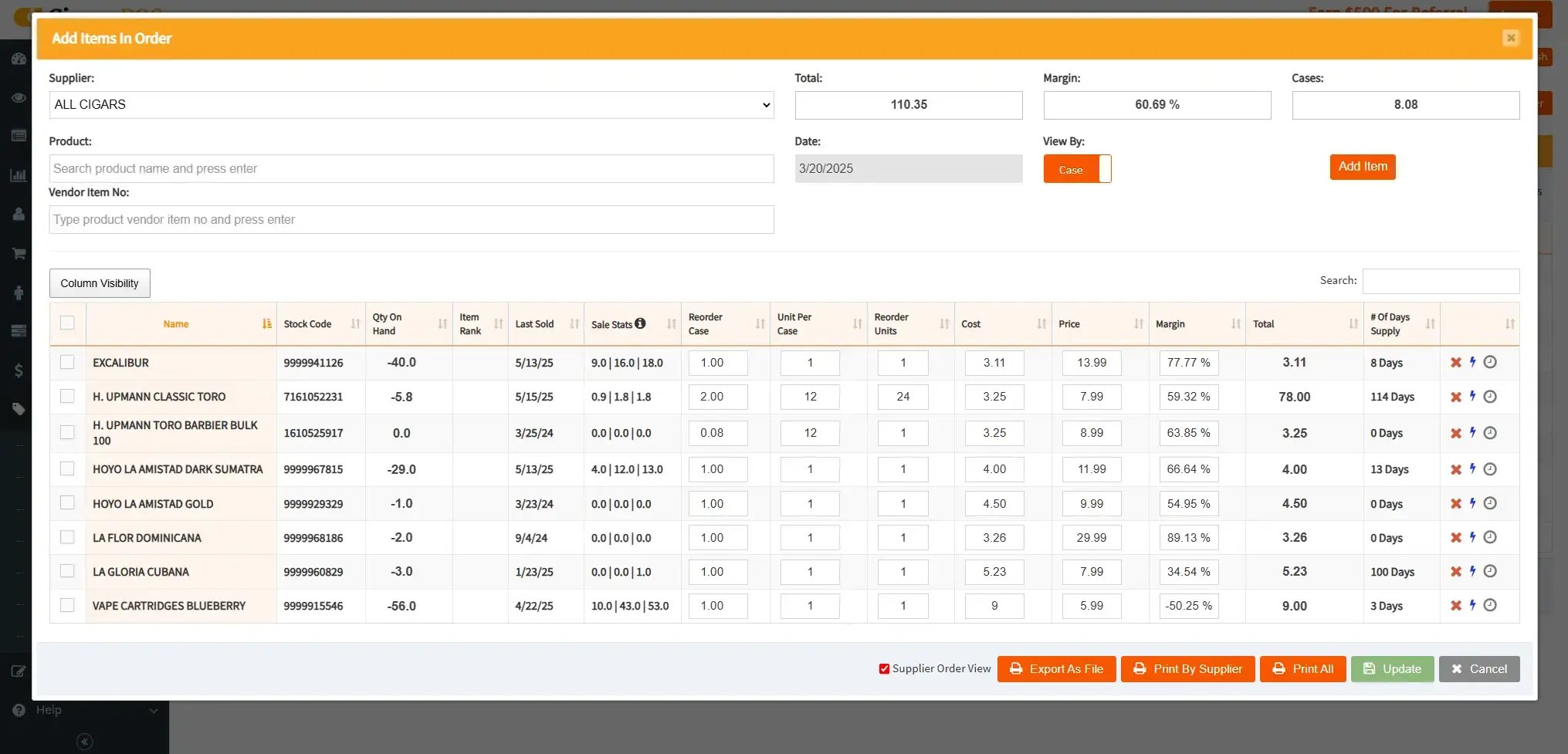
CGR Screenshot - Inventory

Flexible Inventory Management

An inventory management system will update your stock levels automatically whenever you make a sale or receive an invoice, giving you an accurate view of your inventory. 

Cigars can be trickier to keep track of because of how they’re received or who manufactures them. Here are some essential inventory features to look for in a cigar lounge POS system:

  • Carton-pack tracking: Track whole boxes of cigars or sell individually while maintaining accurate stock and pricing information.
  • Custom tags: Add unique tags to products such as tasting notes, style of cigar, or region for quick product lookup or custom reporting.
  • Custom SKUs and item editing: Input unique products in your system for custom product bundles or to consolidate identical cigars from different manufacturers.
  • Barcode labeling: Print thin labels for individual cigars that can be easily scanned at checkout or on a mobile POS device.
  • Automated recording: Set low stock alerts based on average sales volume and supplier lead times, and automatically generate purchase orders to optimize stock levels.
  • Built-in vendor management: Track all of your supplier information in one place for quick reordering and to monitor supplier performance and profitability. 
  • Multi-location management: Monitor inventory levels across multiple locations to keep all stores stocked and spot trends between different customers.

Having a system with the flexibility to track boutique cigars ensures you can offer an unforgettable selection without adding complexity.
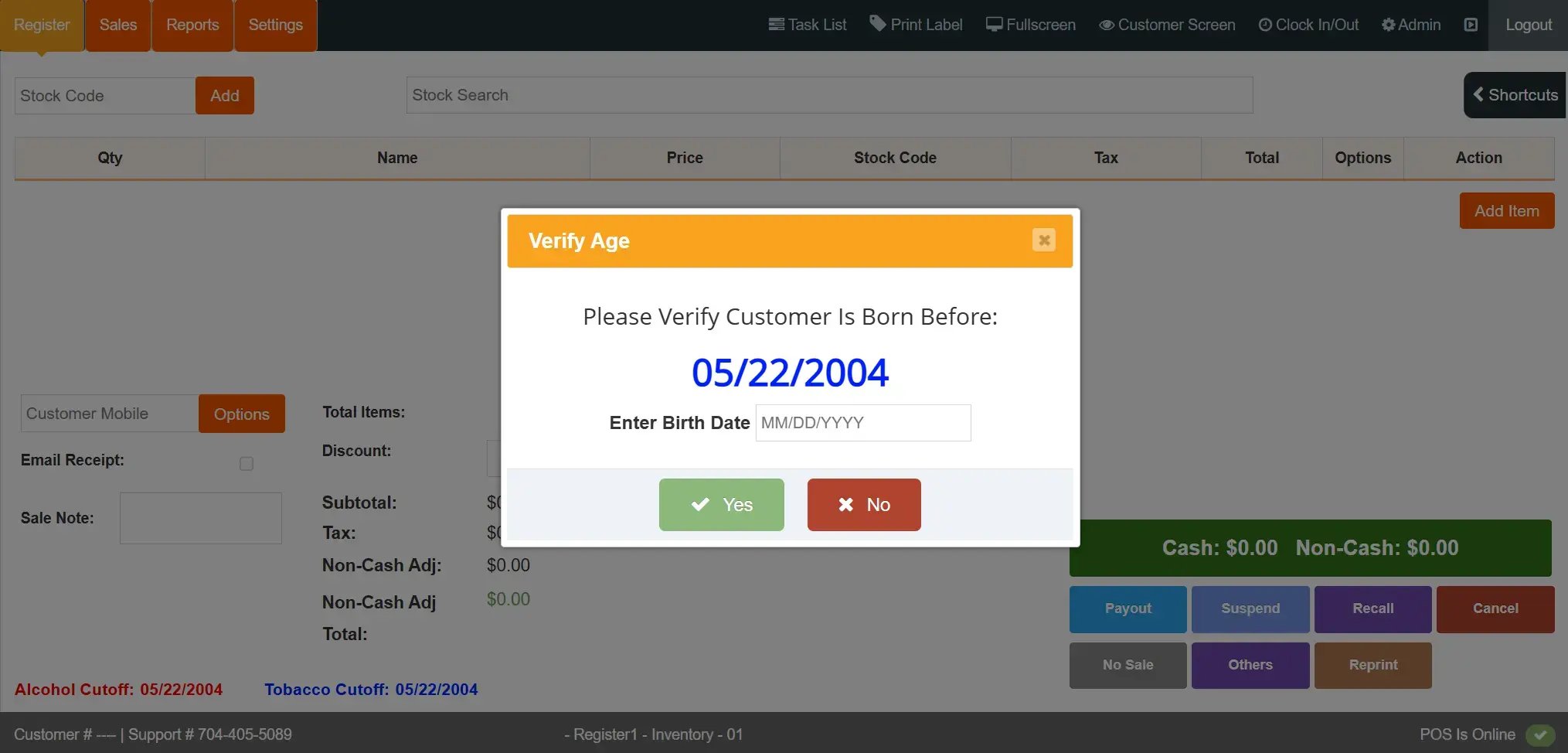
CGR Screenshot -Age Verification Prompt

Simplified Compliance and Age Verification

Cigar lounges have stricter legal requirements than general retailers, especially if they also sell alcohol. However, manually checking IDs and tracking sales can open your business to compliance risks, especially as things get busy. 

The easier it is to stay compliant, the less likely you are to face costly fines or license suspensions. Here are some ways that a cigar lounge POS system can help:

  • ID scanning support: Use barcode scanners to quickly validate customer IDs without slowing down the line. 
  • Digital record keeping: Ensure your data collection meets state standards, either by deleting data immediately or storing it for 30 days. A POS system can also generate reports for state or local regulatory audits.
  • Employee access control: Implement role-based access controls so that only authorized employees can perform regulated functions or override compliance checks.
  • Custom tax setup: Create custom tax configurations and exemptions to ensure correct tax rates are applied to all tobacco products.
  • Minimum price enforcement: Ensure all tobacco and/or alcohol products are sold above legally-mandated minimum prices.

A tobacco-specific POS system also makes it easier to stay ahead of regulatory updates with consistent software updates.
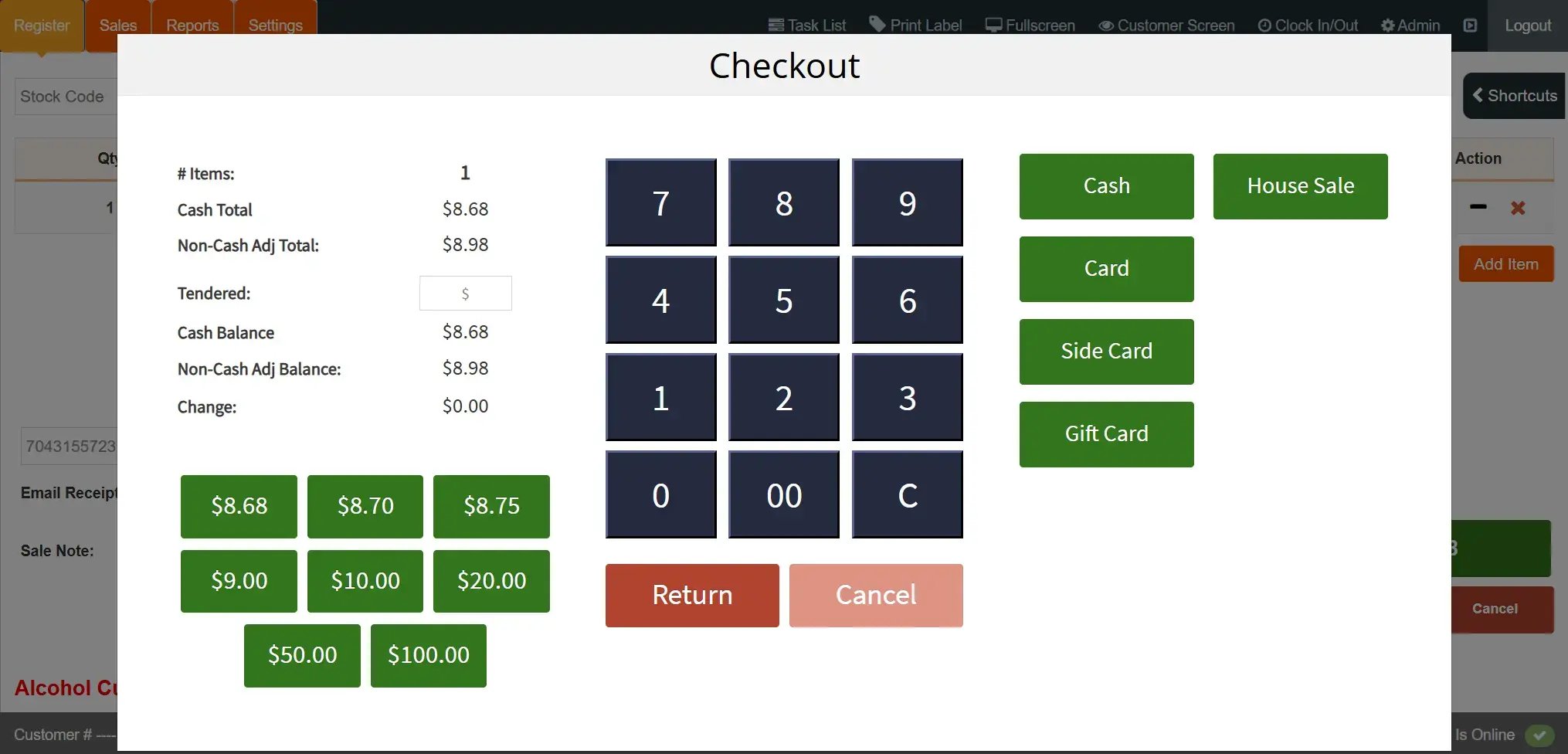
CGR Screenshot - Payments

Smoother Sales and Transactions

Having flexible, convenient payment options makes checking out less of a hassle, encouraging customers to spend more time in your lounge. Here are some key payment features to look out for:

  • Multiple payment options: Give users multiple ways to pay, including tap-to-pay cards, contactless payments, debit cards, and credit cards.
  • Suspended payments: Let customers open a tab, minimizing the number of disruptions and encouraging customers to spend more time enjoying your cigars.
  • Mobile POS support: Process payments from anywhere by bringing a mobile POS system directly to wherever customers are sitting.
  • Dual pricing: Offer discounts for customers who pay in cash while avoiding the legal hurdles of surcharging. 

All tobacco stores require a high-risk merchant account, so make sure any provider you consider supports high-risk payment processing.
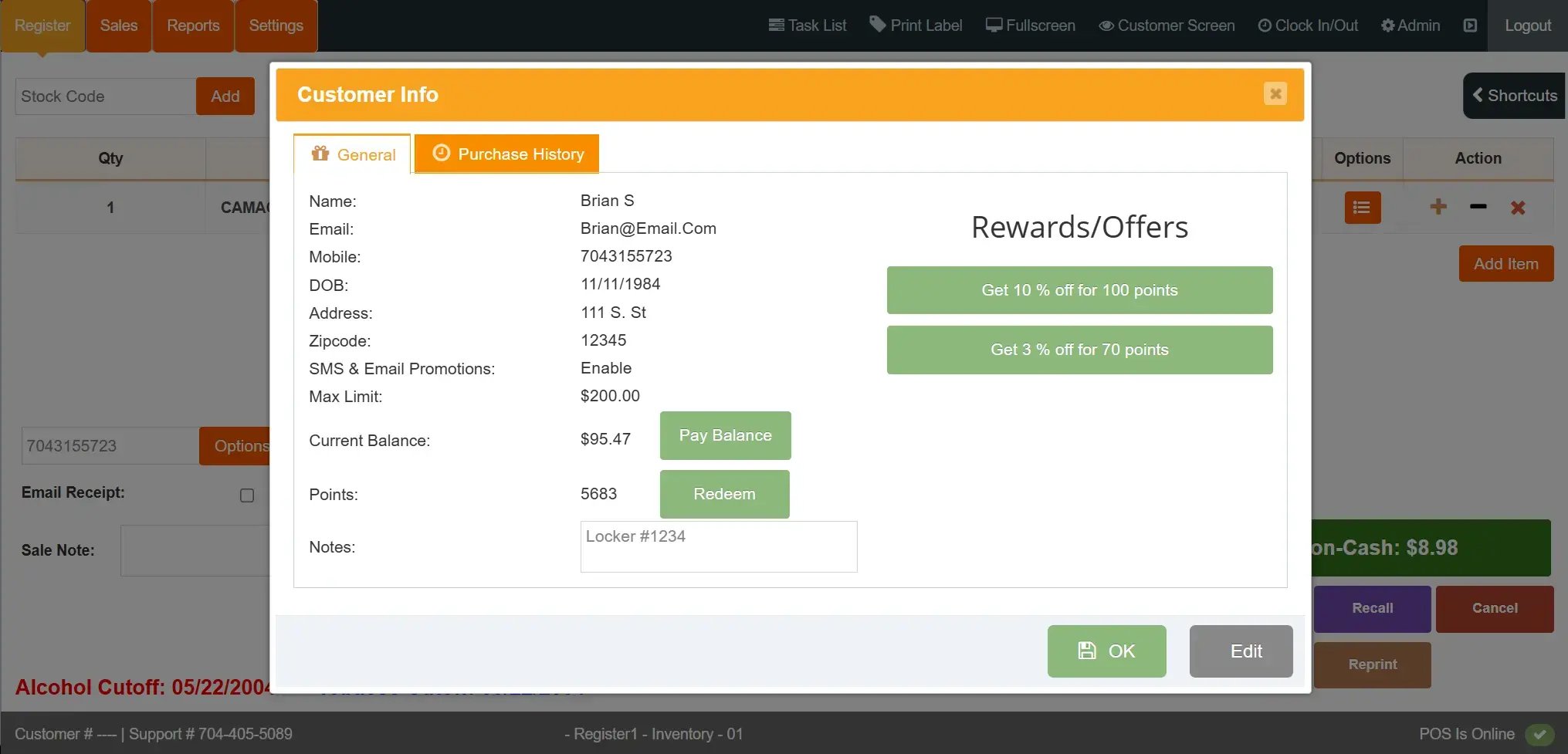
CGR Screenshot - Customer Loyalty

Better Customer Experiences and Retention

Attracting new customers to your cigar lounge is important, but providing exceptional customer experiences that bring people back is even more so.  

Here are a few features that can help you elevate your cigar lounge experience:

  • Customer loyalty: Create a customer loyalty program that allows visitors to earn points the more they spend, or create tiered membership levels*. 
  • Customer profiles: Look up a customer’s purchase history to quickly understand their preferences for tailored recommendations. 
  • Personalized promotions: Use custom product tags to send out unique promotions via SMS and email (e.g., “customers who spent $X on Cuban cigars last month”).
  • Gift cards: Partner with a third-party service to sell branded gift cards for special events and holidays.

*Note: Some POS systems don’t natively support membership tiers. However, you can sell a custom membership level product and tie it to a loyalty account to implement this functionality without needing an additional service.
CGR Screenshot - Dashboard 2

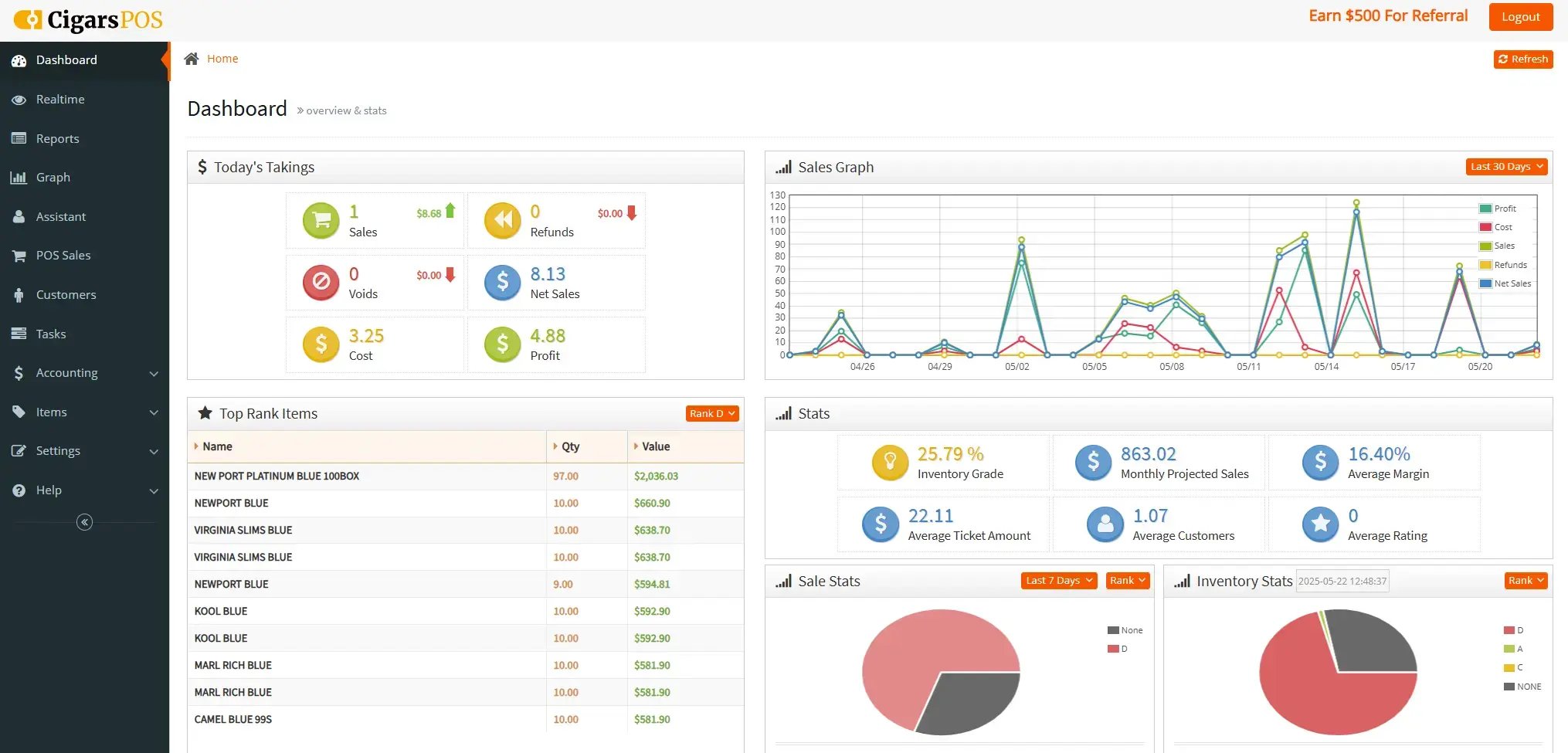
Reporting and Analytics

Having an unbiased and accurate view of sales and store performance is essential to refining your selection, understanding customer preferences, optimizing inventory levels, and more. Built-in reporting and analytics tools combine your sales, inventory, and supplier data to generate actionable insights for your business.

With intuitive reports and visual dashboards, you can back up your intuition with data. Here are some of the key ways you can leverage reports on your cigar lounge system:

  • Bestsellers: Identify best-selling products and product categories to refine your selection. Use your custom tags to get even more granular insights on customer preferences.
  • Average transaction volume: See how much customers typically spend per visit and whether certain items are bought together for better forecasting and to identify upselling opportunities.
  • Profit margins: See your profit margins per item, per product category, or supplier to make strategic price changes or to negotiate with suppliers.
  • Inventory turnover: Understand how often you sell and reorder certain items in a given period, helping you optimize stock levels and profit margins.
  • Tobacco scan data: Take advantage of manufacturer discounts by participating in tobacco scan data incentive programs.
  • Tax and compliance reporting: Leverage export options for simplified tax and compliance reporting.

These are just a few of the reports you can pull using a tobacco-specific POS system.

CigarsPOS

Tell us a little more about your cigar lounge.

As a specialty provider of tobacco-specific POS systems, we know cigar lounges. If you’re interested in learning more about how Cigars POS can help enhance your cigar lounge operations, we’d love to talk with you.

Chapter 3

Equipping Your Store With the Right Hardware

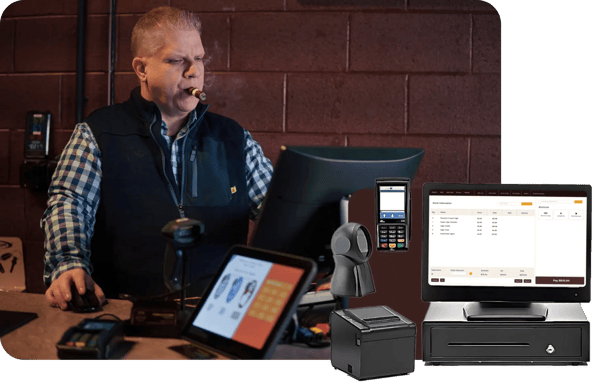
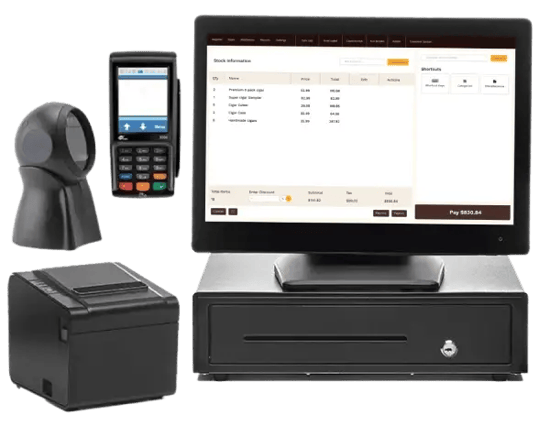
A cigar lounge POS system is a combination of both hardware and software. Just like certain software features can streamline your day-to-day tasks, the right hardware contributes a great deal to the overall customer experience.

CGR Guide - Chapter

Essential Cigar Lounge Hardware

Having the right hardware ensures your cigar lounge runs smoothly and customers’ good times are never interrupted.

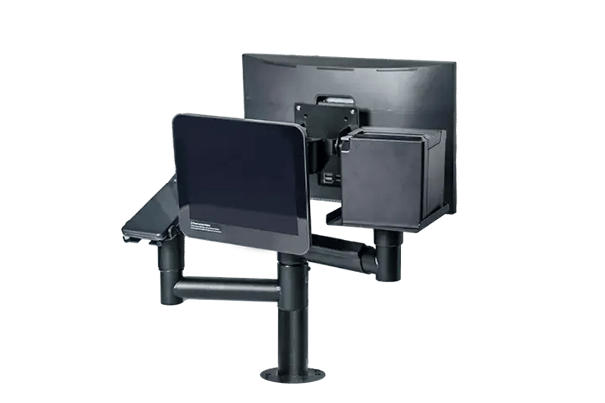
AIO

POS terminal

A comprehensive display to look up items, manage the store, ring up customers, and more.

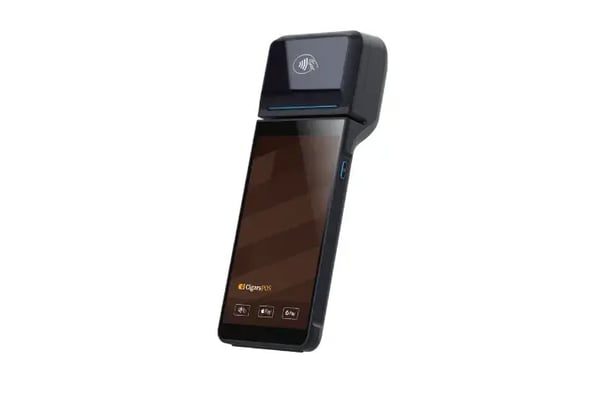
Cigar Payment Station

Payment terminal

A terminal that allows customers to pay via card or contactless payment either at the counter or from their table.

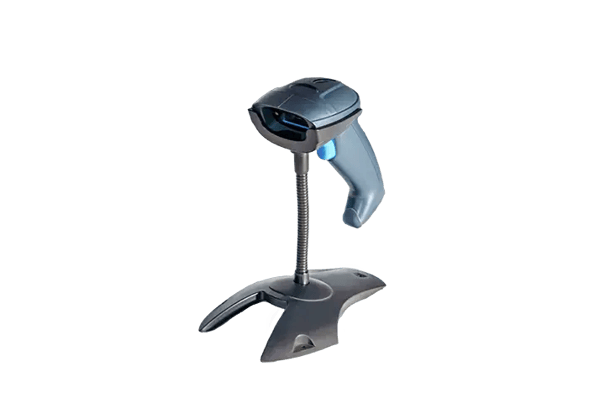
Bar Code Scanner

2D barcode scanner

A 2D barcode scanner that can scan both basic UPCs and customer IDs.

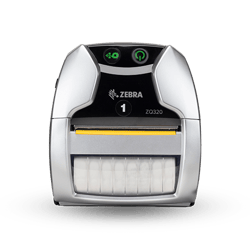
Zebra Mobile Printer

Label printer

A label printer lets you easily ring up individual cigars or bespoke product bundles.

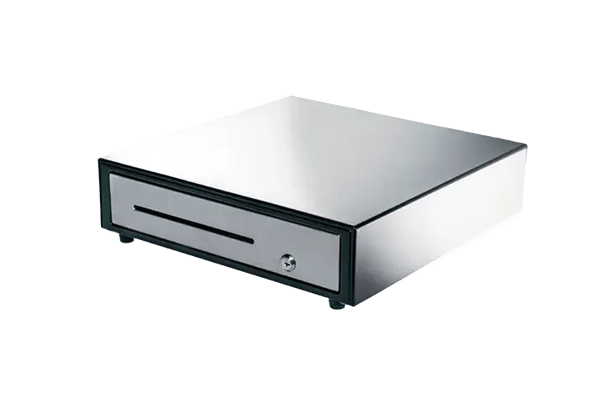
Cash Drawer

Cash drawer

A secure cash drawer for customers paying in cash.

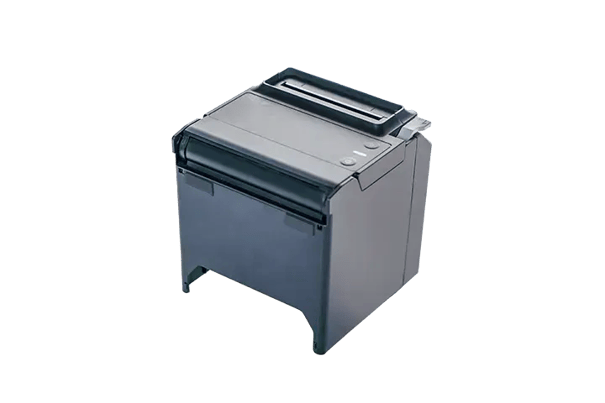
Recipt Printer

Receipt printer

Devices that allow you to quickly print off customer receipts.

Chapter 4

Ensuring Your POS Implementation Is a Success

A tobacco-specific POS system is an invaluable tool for any cigar lounge owner, but it’s not as simple as flipping an on switch and waiting for the benefits to kick in. Every new system comes with some growing pains. Here are some tips to ensure your transition to a new system is painless.

CGR Guide - Chapter

Best Practices for a Smoother System Upgrade

Many cigar lounge owners hesitate to update their software or hardware because they worry it will be too complex or disruptive. We can tell you that with the right technology partner, that simply isn’t the case. Still, with the right implementation plan, you’ll be up and running in no time.

Tobacco scan data tips

Migrate Data From Existing Systems

If you have an existing system, the first step will be moving your inventory list onto the new one. First, see how your inventory was stored in your old system (as a spreadsheet, CSV file, etc.), and see what the process is for importing that data into your new system.

Some systems, such as Cigars POS, offer full-service onboarding that includes importing your old inventory. A full-service option is always ideal as it will reduce time spent on manual data entry, reduce errors, and get your stock list up to date faster.

Set Up Standard and Specialized Inventory

Most tobacco POS systems include a centralized database of common products so you can update your new system with standardized SKUs. This will make it easy to add your typical items.

Even if you have an older system, most cigar lounges sell boutique cigars that won’t be part of the POS’ common product database. These items will need to be configured manually and can usually be added right from your POS terminal.

In addition to the pricing, product name, and other basic information, you can also add things like:

  • Custom tags and attributes (e.g., country of origin, strength, wrapper type, brand, etc.)
  • Longer descriptions and notes (e.g., tasting notes, production details, boutique story elements) 
  • Category or department
  • Pictures

This information will make these products more searchable in the future.

Train Staff on Your New System

Taking some extra time to train your staff on a new software system can go a long way towards reducing downtime and maintaining high customer satisfaction.

Ensure staff know the basic functions of the POS system that they’ll need to use, including:

  • Clocking in and out
  • Searching for items (by name, notes, custom tags, etc.)
  • Updating stock and checking stock levels
  • How to place special orders
  • Checking ID
  • Ringing up customers

With detailed inventory notes, you can help staff members get acquainted with your stock just by browsing your stock list. You’ll also want to set employee access controls and let employees know which functions they’ll need managerial assistance for.

Ongoing Support and Troubleshooting

Technology is constantly being updated with better features or to meet new legal standards — the unfortunate truth is that this can break things. Not all POS providers handle customer support the same way, so knowing what resources are available when things go wrong is important.

Look for POS providers with positive customer reviews and 24/7 tech support to ensure you’re covered in case anything goes wrong. 

However, tech support isn’t just about fixing problems. It’s also about getting your system working how you want. Ask any potential technology providers if they’re willing to advise you on how to set up new features or upgrade your system as your business grows.

Chapter 5

Fire Up Your Marketing Using a Modern POS

A basic POS system can simplify how you run your business, but the right POS system also gives you numerous tools to grow your business. Here’s how.

CGR Guide - Chapter

How To Make Your Promotions and Events Sizzle

Data-Driven Marketing

Data-Driven Marketing

Leverage the sales, inventory, and customer data on your POS system to monitor the effectiveness of your promotional strategies, uncover trends, and improve your marketing return on investment (ROI).

Personalized Campaigns

Personalized Campaigns

Experts agree that personalized offers are much more effective than generic discounts. Tag products and customers in your POS system (e.g., “VIP club,” “hand-rolled cigars”) and run marketing campaigns that directly target those specific customers or customers who’ve purchased those products.

Loyalty Promotions

Loyalty Promotions

Use customers’ contact information to send out exclusive deals over SMS and email. Using tags, you can segment loyalty customers for more tailored offers (based on tastes or price point) or based on loyalty tier.

Event Management

Event Management

Ensure your pop-up sales or special events run smoothly and don’t create long lines by ringing up sales from anywhere using a mobile POS interface.

Digital Ads

Digital Ads

Use your customer-facing displays to ring up customers and to display ads for new product releases, upcoming events, and other promotional content.

Chapter 6

Balancing Short-Term and Long-Term Goals

When you buy a POS system, finding a technology partner that can solve your immediate challenges and support your long-term goals is essential. Here are some tips to find a system built for today and tomorrow.

Cigar Lounge Cover

Future-Proof Your Investment

Here are some key factors to keep in mind to ensure your POS system can grow together with your business.

E-Commerce Integration

E-Commerce Integration

Integrate with user-friendly e-commerce and connect your in-store and online inventory for omnichannel cigar sales.

Multi-Store Management

Multi-Store Management

Manage multiple locations from a single system, including setting separate price points, syncing customer information, and transferring inventory between stores.

Unified Payments

Unified Payments

Ensure all your sales channels are connected to a single payment processor to maintain consistent reporting.

Chapter 7

Choosing Your Cigar Lounge POS Partner

A technology provider is more than just software and hardware; they’re a partner in your business. Here are some tips for evaluating potential cigar lounge POS systems.

CGR Guide - Chapter

Crucial Questions and Considerations

Choosing a POS system solely on features is like choosing a car solely on looks. Just like a car, you’ll want to take your POS system for a test drive, kick the tires, and look into the maker’s reputation and service history. 

Remember, you’ll be using your POS system every single day, so there’s no point rushing into a decision just to be disappointed down the line. 

Instead, consider these key factors when evaluating cigar lounge POS providers.

2004_CigarShop_Feature

Fully understand pricing models and hidden costs

Know which vendors truly support tobacco businesses

Understand implementation timelines

Schedule a demo (or several)

Key Questions To Ask a Cigar Lounge POS Provider

Choosing a POS system shouldn’t be done in a vacuum; it should be done with your specific business in mind. So, before you start booking demos and chatting with representatives, take some time to consider:

  • Your short-term goals (e.g. you want to simplify inventory control and invoicing)
  • Your long-term goals (e.g. you eventually want to offer e-commerce or open another location)
  • Your daily routine (e.g. employee logins, inventory audits, searching for items, ringing up customers)

This will ensure that you maximize your time demoing systems and see the features that are most beneficial to you. 

circle-check
How do you verify customers' ages?
circle-check
How does your POS system handle software updates?
circle-check
What kind of tech support is available and when?
circle-check
How do I update inventory from an invoice? What if I need to make manual adjustments?
circle-check
Will your POS system work with my existing hardware?
circle-check
What is included in the different pricing tiers? Are features available à la carte?
circle-check
Can your system track inventory for individual cigars, boxes, and accessories?
circle-check
What kind of information can I track using your system?
circle-check
Does your POS enforce minimum pricing or margin requirements?
circle-check
What marketing features are included, and how do they work?
circle-check
Can your POS manage multiple locations or franchises?
CigarsPOS

See if Cigars POS Is the Right Fit for Your Cigar Lounge

Now that you have a better understanding of how to evaluate a cigar lounge POS system, we’d be honored for you to put us to the test.

Cigars POS is dedicated to providing tobacco stores, vape shops, and cigar lounges with the specialized tools they need to drive sales, stay compliant, and create the perfect atmosphere. Still early on in your journey of opening a cigar lounge? We’d love to help. Explore the resources below or book a customized demo with one of our experts today.

Talk with an expert

Talk with an expert

Schedule a customized demo to see how our cigar lounge POS systems can boost your business.

Explore our features

Explore our features

Check out our website for a quick overview of Cigar POS’ features.

Perfect your marketing

Perfect your marketing

Read our in-depth guide on cigar lounge marketing.